Scan to bind the original device
Scan in AuthLink and check the site and account, then enter the app code on the website to complete enrollment.
Enable JavaScript in your browser, then reload this page.
Connect website accounts to your phone. Scan once to enroll, then enter the app’s current code for your backend to verify and complete each action.
Keep your existing accounts · React / Vue / JavaScript integration
Enter the app’s current code on the website
Your website · Demo account
Refreshes in 00:48
Binding completes after website verification.
Everyday codes, valid for one minute.
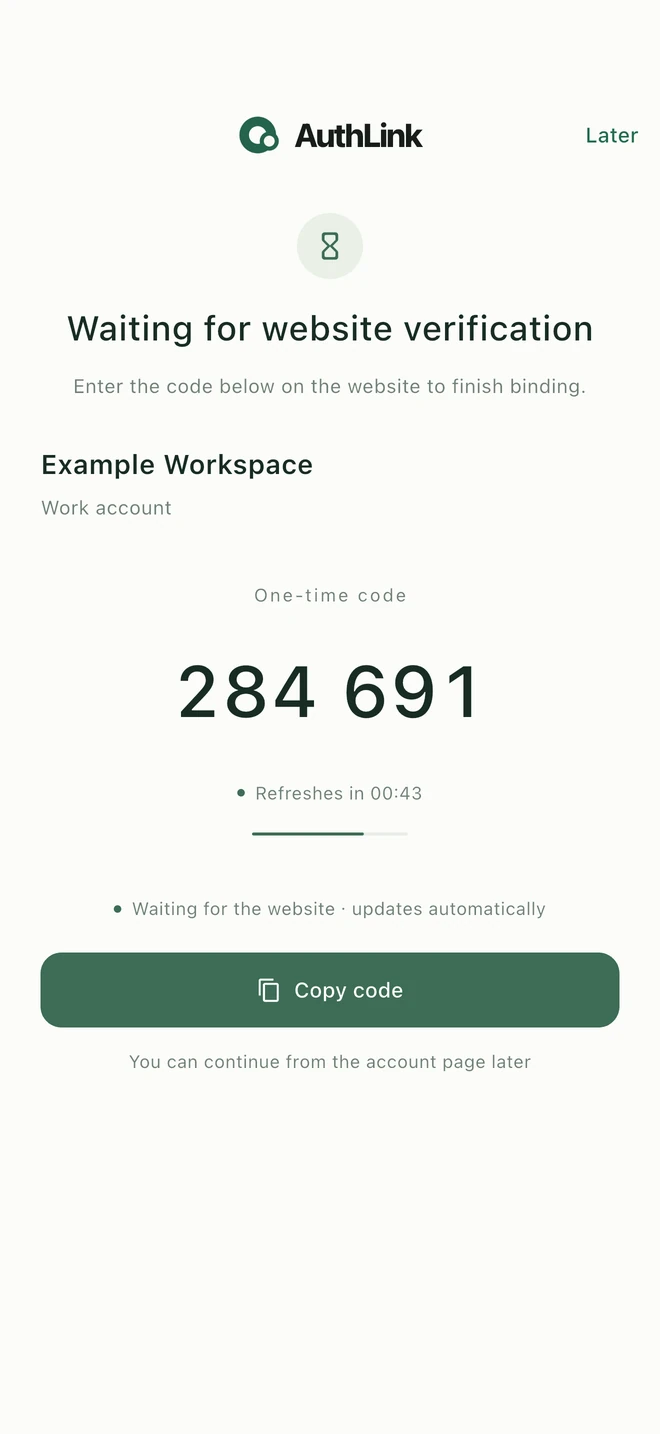
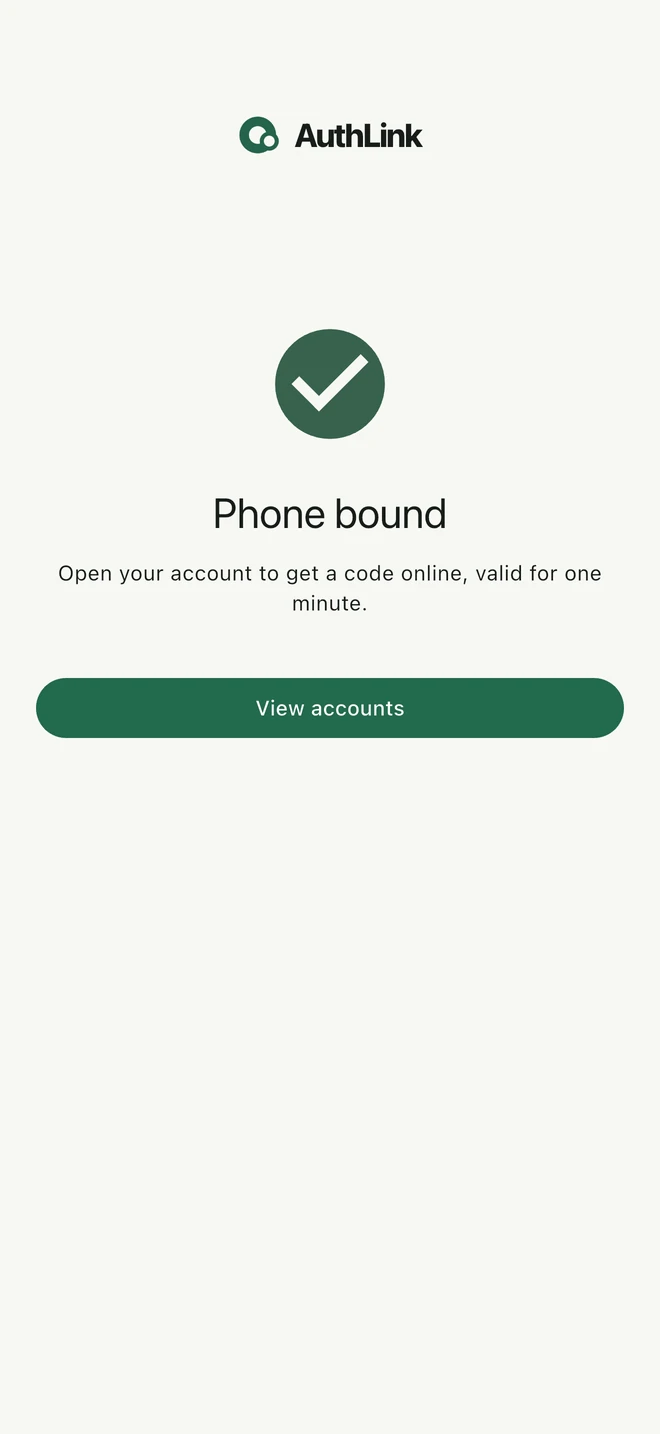
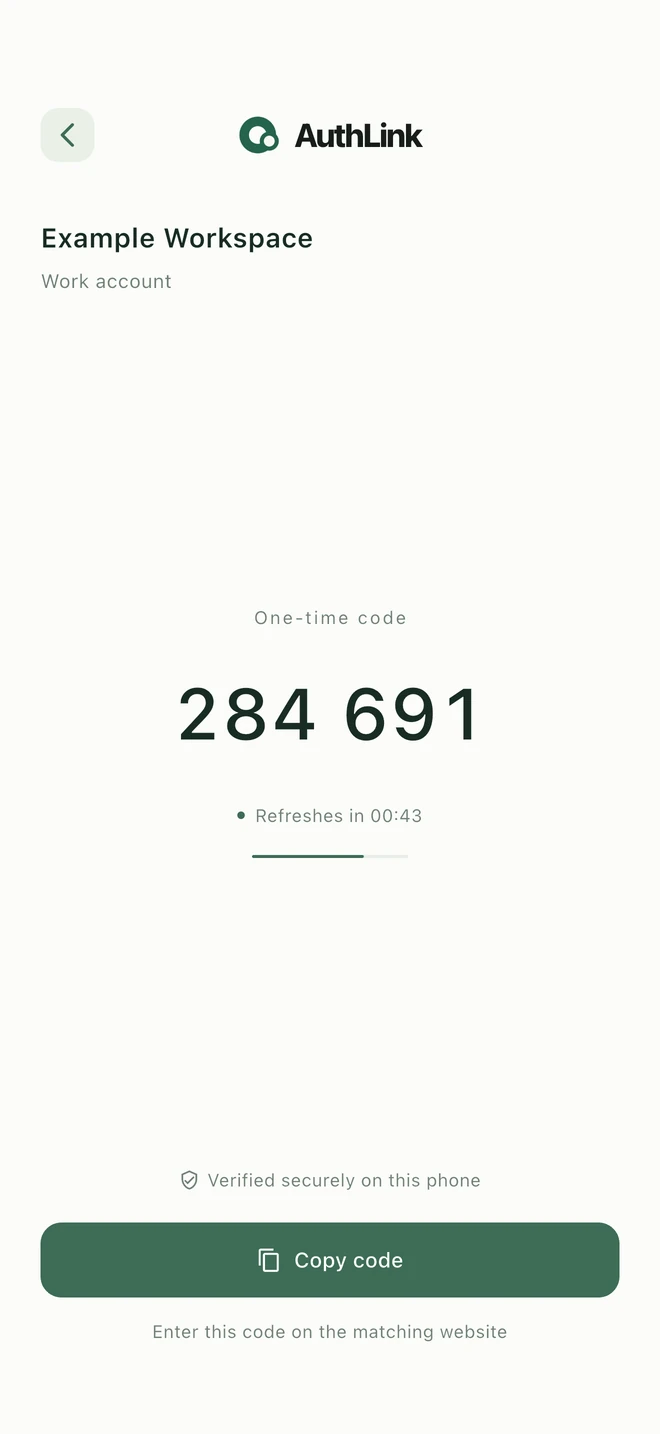
Browser, website backend and phone each play a clear role.
A clear confirmation flow that fits your existing application.
Scan in AuthLink and check the site and account, then enter the app code on the website to complete enrollment.
For sign-in or sensitive actions, open the app and enter that account’s current six-digit code on the website. No per-action approval is needed.
The backend verifies the code, checks the session’s saved action and persists the receipt before completing the action. Waiting never polls.
AuthLink handles phone enrollment and rotating-code verification. Your website owns users, sessions, permissions and execution of each saved action.
Identical account IDs in different integrators have independent bindings. A phone can hold separate bindings for multiple websites.
Use React or Vue components, or a JavaScript dialog, with one minimal layout, multiple languages and lifecycle cleanup.
Stable idempotency keys recover the same verification after an uncertain response without repeating the action.
After enrollment, view the current code in the app without waiting for a website request or notification.
Bind and confirm on a real device.
Android 11+ / iOS 16+Android 11+
Download the standalone APK. Install updates over the existing app using a compatible signature to preserve bindings and device keys.
Download Android APK ↗ 1.0.10 · build 16Download and install AuthLink from the App Store.
Open App Store ↗ For iPhone running iOS 16 or laterGet the app from official sources. Unpublished channels remain marked as coming soon.
APIs, fields, callbacks and SDK examples,
in one documentation hub.
Integrator credentials, first enrollment, code verification, Go / Node SDKs and field references.
Read integrator server docs → 02 / CLIENTJavaScript, React and Vue examples, component options, events and usage guidance.
Read integrator client docs →Keep your existing sign-in system. AuthLink binds to a stable user ID from your website; your backend manages confirmation records.
Use the six-digit code displayed in AuthLink. Scan and verify the phone once, then enter its code on the website. A code does not indicate that the phone reviewed the form content.
Binding cannot currently be restored on a replacement phone. Keep your bound phone safe; deleting a binding permanently prevents this website account from binding again.
The website backend verifies submitted codes and completes the saved action directly. No polling or webhook is needed; frontend success events only update the UI.